

If you are a regular internet user , you will notice that all the Google website does not work smoothly. Some of them might show the error of 404 , which is very common, and some of them show 403 error, which is very rare in case So. We will guide you through a brief procedure to sort out 403 problems on your
3-Solution 3 Firewall Settings:
If you are still facing the same error 403 after implementing both of the above solutions, there might be great chances that there is a clash between the server and your firewall . For better understanding Firewall is a security computer software , which filters the traffic coming to your network and blocking unauthorized access to your computer. So, if you trust the web page operative, you could inactivate the firewall from your PC settings and try to open the web page once more. If the problem is finally solved, you can adjust the firewall settings by allowing the current web page access.
Usually, 403 errors occur because the browser is not eligible to provide the requested URL to display; however, you can easily manage to sort out this problem. If you still getting that error after implementing all techniques mentioned in this article, then you must contact the website operator.
 Canvas Rectangle, Shadow, Path and Text training in HTML
 Best Backlink Checker And Linking Analysis Tools
 What do Ahrefs DR (Domain Rating) and UR (Url rating) stand for?
 Top 5 mobile games in google play store
 The top 8 types of networks security attacks
 Is it good to invest in apps, for having a passive income?
 Xamarin app programming Vs. Java app programming for Android
 Getting started with Xamarin.Forms
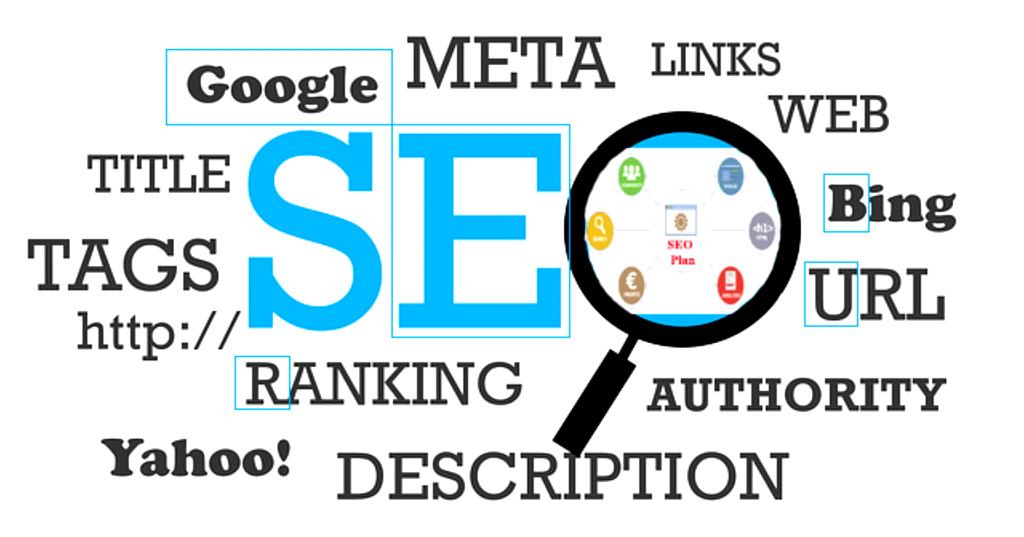 Title, Meta description, Headings and Content for SEO
 Mobile app security checklist
 How to publish an iOS app to the Apple app store?
 How long does an app takes to develop in average?
 Sitemap.xml Effect For Search Engine Optimization